
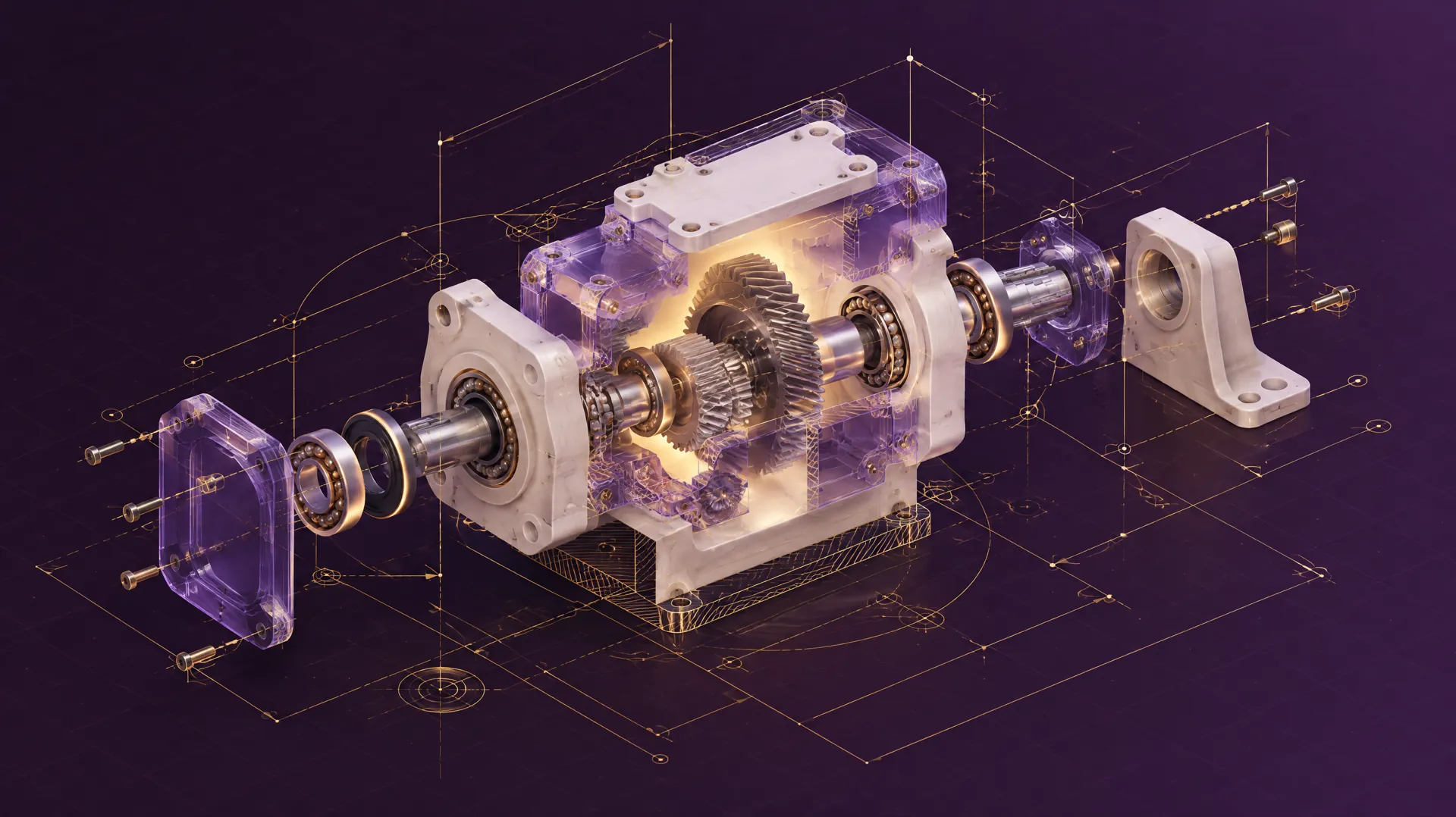
Real tasks. Real actions. Useful technical context
Some of the most informative technical datasets pair an instruction with the steps taken to complete it. We are exploring collections of computer-use workflows, robot demonstrations and CAD models linked to descriptions or engineering notes.

What is AI data licensing?
AI developers use instruction-and-action examples to train and evaluate systems that operate software, control robots or interpret technical designs.
Data licensing sets terms for using specified recordings, trajectories, models and related descriptions.
How the process works
 Existing records
 Defined licensing agreement
 AI development
The records behind the work
Here are examples of the types of collections we are interested in exploring.
-

Computer-Use Workflows
Task instructions paired with permitted screen states, clicks, keystrokes, application steps and final outcomes.
Task / Screen state / Action log
-
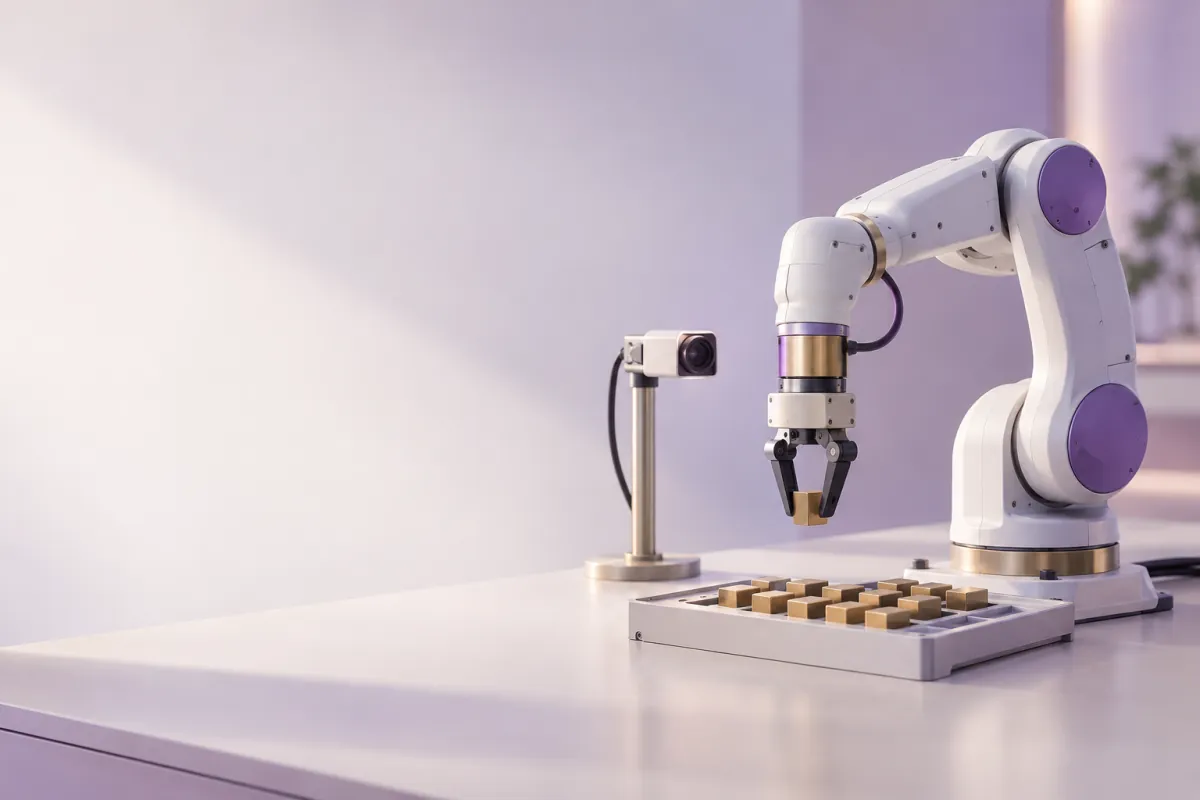
Robot Demonstrations
Task descriptions linked to camera views, actions, sensor readings, trajectories and success labels.
Video / Actions / Trajectory
-
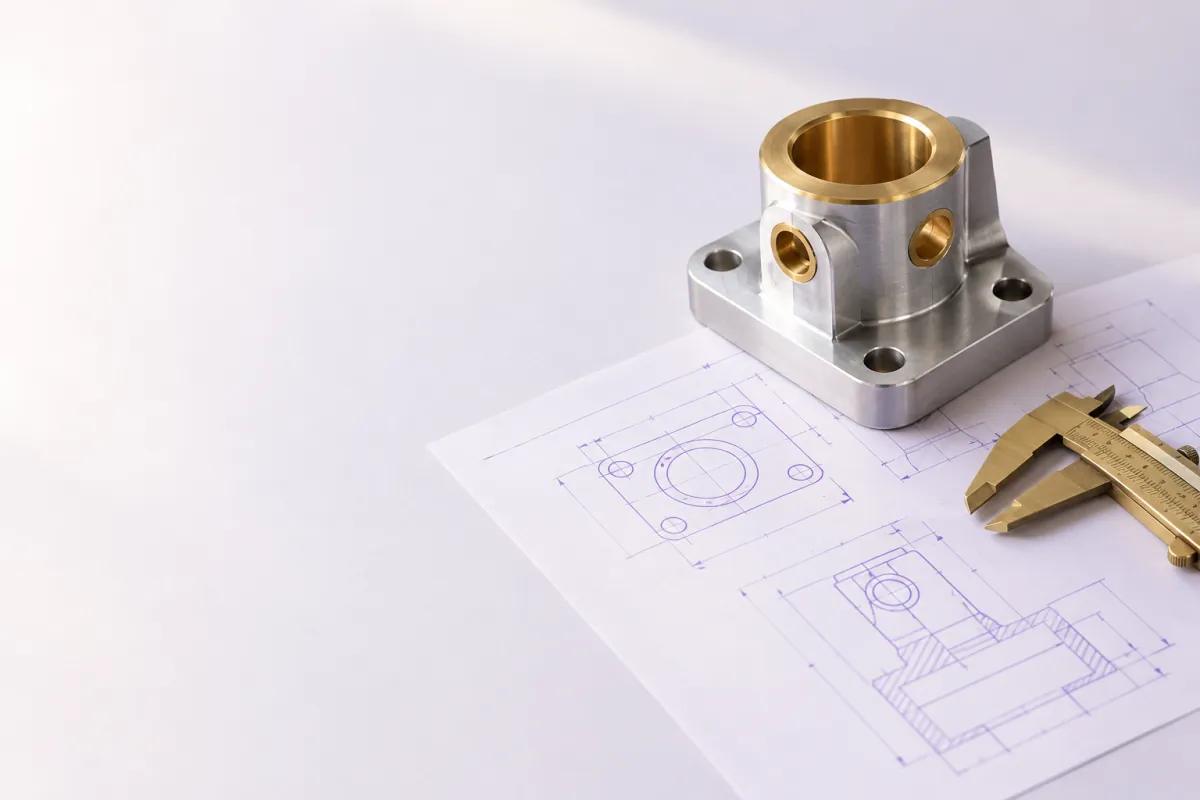
CAD Models with Text
Mechanical models paired with descriptions, specifications, dimensions or engineer notes, including STEP data.
STEP / STP / Native CAD / TXT
-
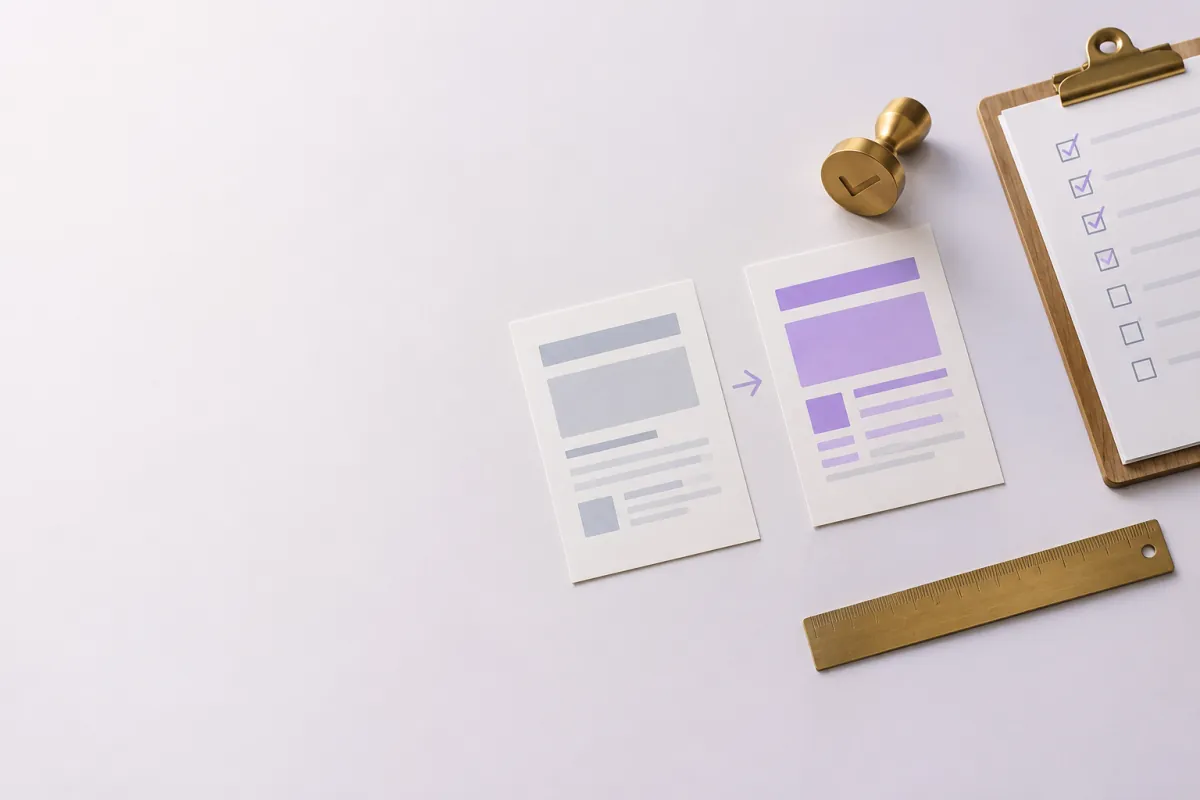
Task Outcomes & Evaluations
Linked before/after states, completion labels, constraint checks and operator notes.
Result / Validation / Notes

Why the pairing matters
A screen recording, robot trajectory or CAD model shows what happened or what exists. A linked instruction explains the intended task. Together with outcomes, these records can support AI systems learning how to act or assess their own results.
 Written instruction
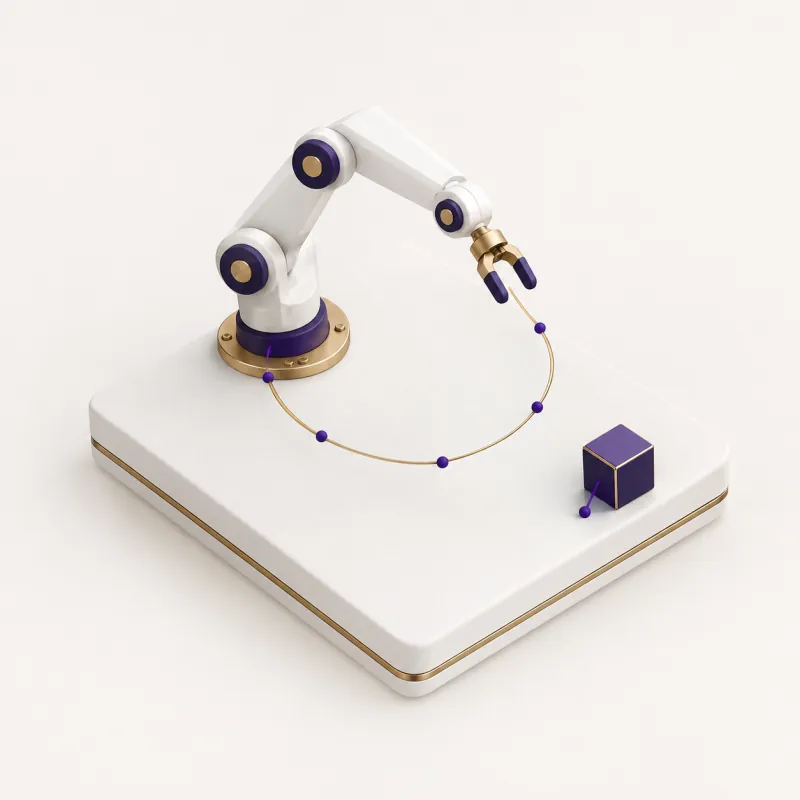 Steps or trajectory
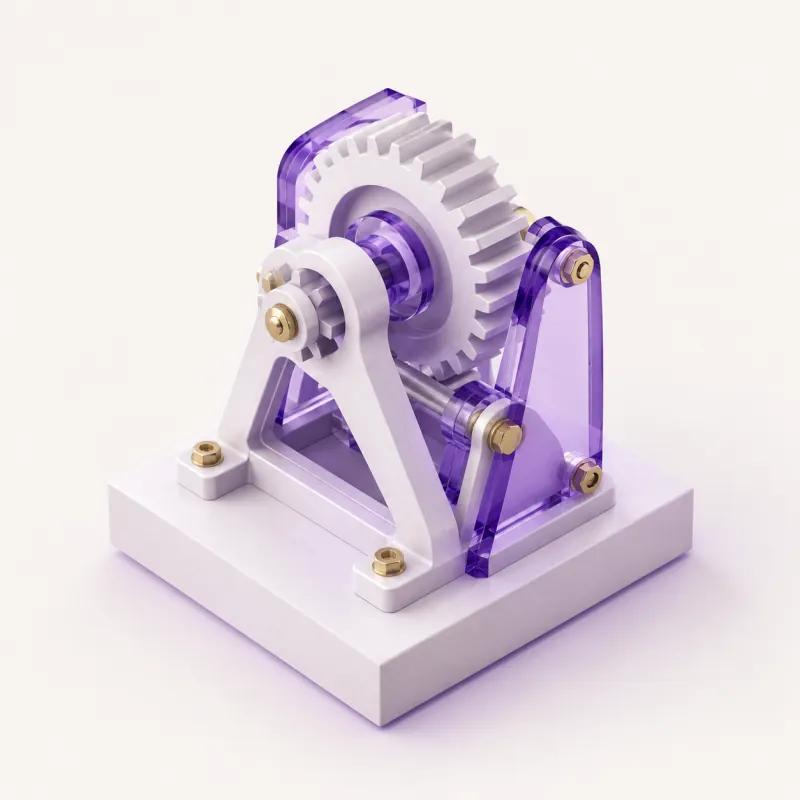 Resulting output

Follow software tasks step by step

Relate robot actions to instructions

Interpret geometry from language

Check task completion against intent
An instruction becomes useful when the result is connected
The most informative records preserve the requested task, the relevant starting state, the actions or editable model, and the final result. Different technical domains should remain clearly separated even when the visual structure is shared.


- 1Task description
- 2Starting state / geometry
- 3Actions / model operations
- 4Verified result
Start with a description, not your files
 You do not need to upload confidential materials to begin a conversation.
-

1 Describe
Tell us what collections, formats and systems your organization has, and approximately how much historical material exists.

-

2 Assess
Argo Reach reviews potential relevance, collection structure, scale and buyer fit.
-

3 Explore
If there is a potential match, discuss permitted use, access, preparation and commercial terms.
A bridge between specialized data and AI development
Your team works with complex technical systems. Argo Reach helps explore whether eligible task and design records may match AI development requirements.

 Instruction-data matching
- Structured action and model records
 Outcome-based qualification
 Commercial coordination
Have technical tasks paired with instructions and results?
Describe the workflow recordings, robot demonstrations or text-linked CAD models you maintain. No raw videos or CAD files are needed initially.
Any licensing requires appropriate rights and agreed permitted uses.